Shorter answers prompt
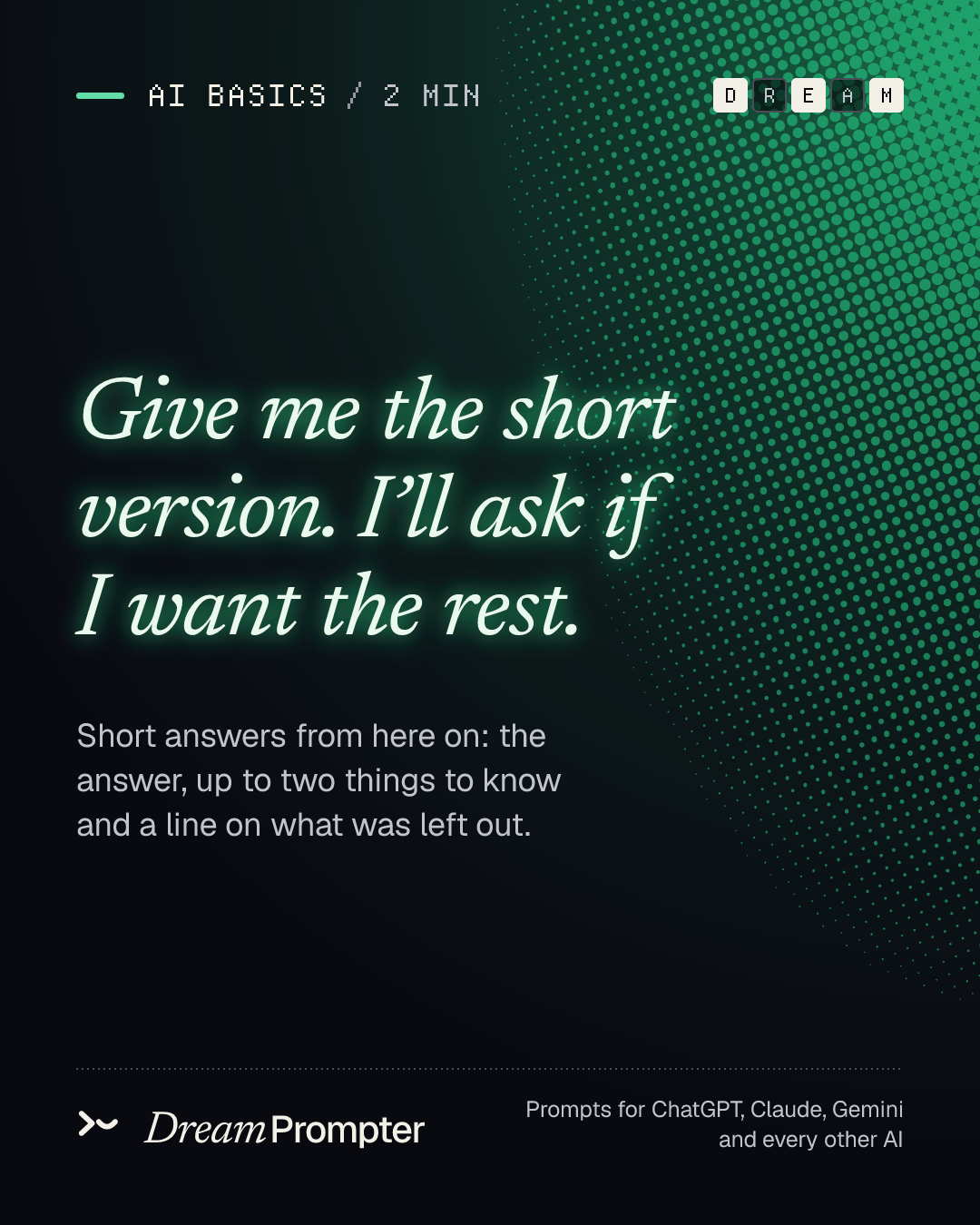
Give me the short version. I’ll ask if I want the rest.
Short answers from here on: the answer, up to two things to know and a line on what was left out.
Works in ChatGPT, Claude, Gemini, Copilot or any other AI assistant.
- When to use
- When you asked a simple question and got six headings and a summary of the summary.
- Time
- 2 min
- Good for
- Low energy, First time with AI
- In the pack
- Make AI behave
Published · Reviewed
The prompt
From now on in this chat, give me the short version unless I ask for more: the answer in one sentence, up to two things I need to know before I act on it, and one line naming what you left out. When I ask for a recommendation, pick one. Stay under 80 words, with no introduction, no recap of my question and no closing offer to help. Not like this: ‘Great question. There are a few things to consider here.’ Drafts I ask for, such as an email, can run as long as they need. If cutting would make an answer misleading, say so and take the room you need. Start by redoing your last answer this way, or reply ‘ready’ if there isn’t one.
Open in
- Open in ChatGPT. You press send Copies, then opens Last used
- Open in Gemini. You press send Copies, then opens Last used
- Open in Claude. You press send Copies, then opens Last used
- Open in Grok. You press send Copies, then opens Last used
- Open in Copilot. You press send Copies, then opens Last used
- Open in Perplexity. Runs right away Copies, then opens Last used
More assistants
- Open in Meta AI. You press send Copies, then opens Last used
- Open in Le Chat. Runs right away Copies, then opens Last used
- Open in DeepSeek. You press send Copies, then opens Last used
- Open in Duck.ai. You press send Copies, then opens Last used
- Open in Google AI Mode. Runs right away Copies, then opens Last used
DreamPrompter is independent of every assistant listed here. Your prompt goes from this page to the one you pick, and nowhere else.
How to use this prompt
-
Copy it into a new chat in ChatGPT, Claude, Gemini or any other AI assistant, or press one under Open in to take it there.
-
Read what comes back for anything it assumed or guessed.
-
Push further with one of the questions under Ask this next.
Tell us it worked.
Ran it and got something you could use? One tap, no account. It is how the next reader knows what to try.
On which AI?/Optional
- By assistant
- ChatGPT
- Gemini
- Claude
- Grok
- Copilot
- Perplexity
- Meta AI
- Le Chat
- DeepSeek
- Duck.ai
- Google AI Mode
Pass it on.
Make a result card.
Got an answer worth keeping? Paste a line or two and it becomes an image you can post.
Up to 280 characters. Leave out anything private.
0/280
Drawn in your browser. Nothing is uploaded.
More like this.
Close to this one, by scene and by moment.
-
AI basics 2 min Before you answer, ask me what you need to know.
An assistant that asks what it needs before it answers, for the rest of the chat.
-
AI basics 2 min Stop agreeing with me. Tell me where I’m wrong.
Honest pushback on your ideas for the rest of the chat, without the fake toughness.
-
AI basics 10 min What should I be using you for that I’m not?
Up to ten specific uses drawn from your own week, ranked, with a first prompt for the top three.
2 versions